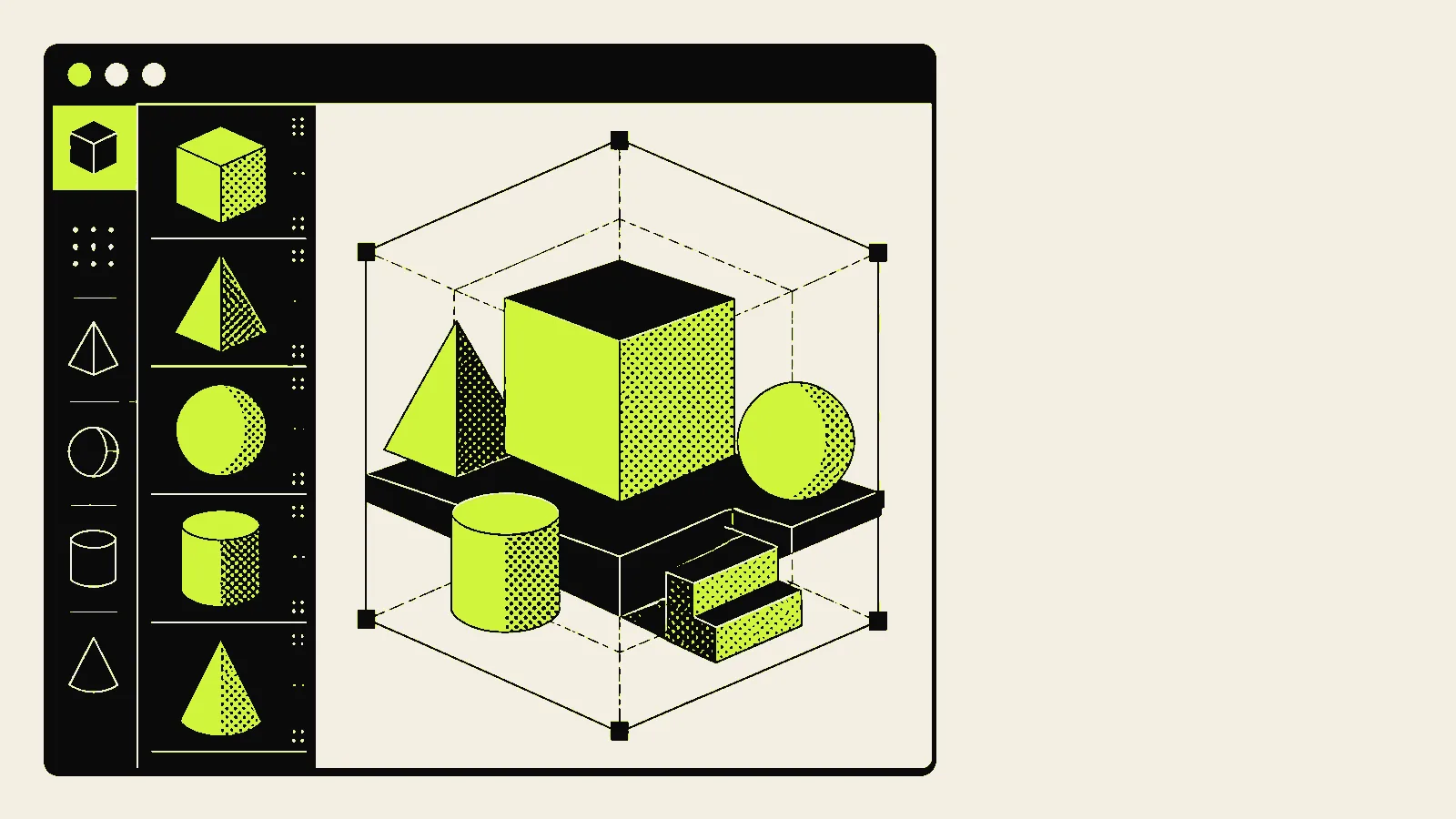
React Three Fiber: 3D Without Leaving React
Three.js as components, with the reconciler doing the scene-graph bookkeeping. The hard part was never the code — it is deciding whether the page needs 3D at all.
Three.js is imperative: create a scene, create a camera, create meshes, add them, remember to dispose of them. In a component framework that means lifecycle code in effects, and leaks when someone forgets the cleanup.
React Three Fiber makes the scene graph a component tree.
import { Canvas } from '@react-three/fiber'
import { OrbitControls } from '@react-three/drei'
<Canvas camera={{ position: [0, 0, 5] }}>
<ambientLight intensity={0.6} />
<directionalLight position={[3, 4, 2]} />
<mesh rotation={[0.4, 0.2, 0]}>
<boxGeometry args={[1, 1, 1]} />
<meshStandardMaterial color="#FF5826" />
</mesh>
<OrbitControls enablePan={false} />
</Canvas>Unmount the component and the reconciler disposes of the geometry and material. Conditional rendering, state-driven scenes and props all work the way they do everywhere else in your app. There is no new mental model beyond Three.js itself.
The decision that actually matters
Not "can I build this" — you can — but "should this page have it". A WebGL scene means:
- Bundle weight. Three.js plus the renderer is substantial. It must be lazy-loaded and must never sit on the path to first paint.
- Battery and heat. A continuously rendering canvas on a phone is a measurable drain. Pause when off-screen with an intersection observer, and cap the frame loop when nothing is animating.
- Accessibility. A canvas is opaque to assistive technology. Whatever the scene communicates must also exist as text or an image.
Load it late, always
const Scene = lazy(() => import('./Scene'))
<Suspense fallback={<img src="/scene-poster.webp" alt="Product view" width="960" height="540" />}>
{inView && <Scene />}
</Suspense>The poster image is not a placeholder — it is the experience for anyone on a slow connection, an old device, or with reduced motion enabled. Design it as a real fallback and the 3D becomes an enhancement rather than a requirement.
Reduced motion is not optional here
An auto-rotating scene is exactly the kind of continuous movement that makes some people ill. Check the preference and hold the scene still, or do not mount it at all.
Where it earns its place
Product configurators, spatial data, anything where rotating the object tells you something a photograph cannot. On a marketing hero it is usually a large download in exchange for a first impression that a well-art-directed image would have delivered faster.
I use it when the interaction is the information. Otherwise I use a photograph, and the page loads in a third of the time.
Resources
- Repo: pmndrs/react-three-fiber
- Docs: r3f.docs.pmnd.rs
- Video walkthroughs: YouTube: react three fiber tutorial
- Related: Core Web Vitals on an image-heavy site
Need this built properly?
I build secure, fast, bilingual platforms for clients across Egypt, Saudi Arabia, the UAE and Kuwait.